Extract transactions, balances, and fraud signals from bank statements in a single API call
Analyze Bank Statements
This guide walks through the complete bank statement analysis workflow — from uploading a PDF to getting a structured transaction list with fraud signals. The same approach works for salary slips, account statements from any Indian bank, and multi-month statement PDFs.
What you'll extract
The fin_bank_statement Document Type returns:
| Field | Type | Example |
|---|---|---|
account_holder_name | string | "PRIYA SHARMA" |
account_number | string | "XX1234" (partially masked) |
bank_name | string | "State Bank of India" |
ifsc_code | string | "SBIN0001234" |
statement_period_from | date | "2026-01-01" |
statement_period_to | date | "2026-01-31" |
opening_balance | number | 45000.00 |
closing_balance | number | 62500.00 |
total_credits | number | 95000.00 |
total_debits | number | 77500.00 |
currency | string | "INR" |
transactions | array | List of individual transactions (see below) |
Each transaction in transactions:
{
  "date": "2026-01-05",
  "description": "SALARY JAN 2026",
  "debit": null,
  "credit": 85000.00,
  "balance": 130000.00,
  "type": "credit",
  "reference": "NEFT/1234567"
}
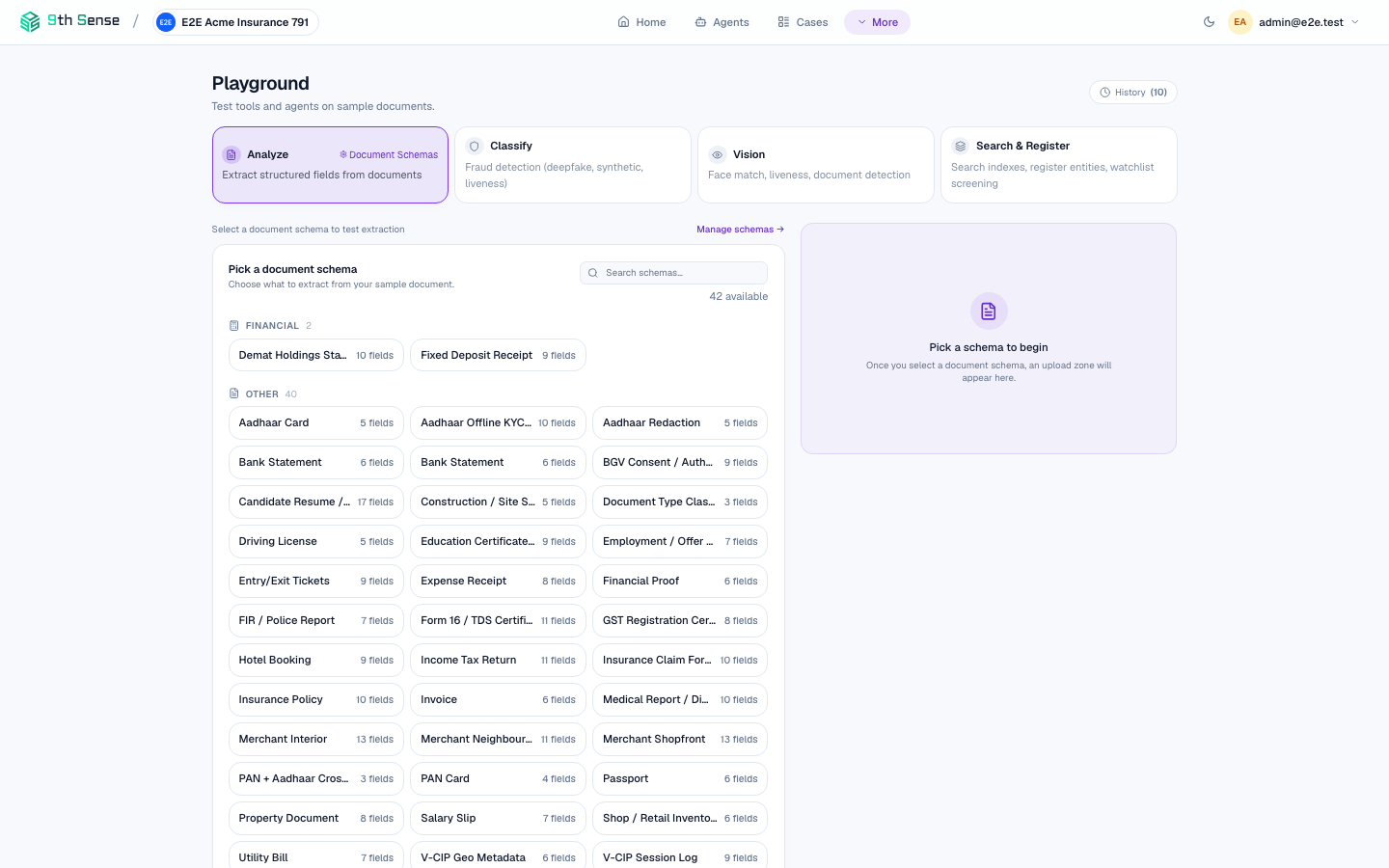 Playground showing the Analyze tab with fin_bank_statement selected in the schema picker — use this to validate extraction before writing code
Step 1 — Install the SDK
pip install 9thsense
Step 2 — Analyze the statement
import asyncio
from ninthsense import Client

async def analyze_statement(pdf_path: str):
    async with Client(api_key="zk_live_...", base_url="https://api.9thsense.ai") as client:
        with open(pdf_path, "rb") as f:
            result = await client.verify.document(
                content=f.read(),
                filename="statement.pdf",
                doc_type="fin_bank_statement",
            )
        result.raise_on_error()
        return result

# Run it
result = asyncio.run(analyze_statement("hdfc_statement_jan2026.pdf"))
output = result.extracted
print(f"Account: {output['account_holder_name']}")
print(f"Period: {output['statement_period_from']} to {output['statement_period_to']}")
print(f"Credits: ₹{output['total_credits']:,.2f}")
print(f"Debits:  ₹{output['total_debits']:,.2f}")
print(f"Closing: ₹{output['closing_balance']:,.2f}")
print(f"Transactions: {len(output['transactions'])}")
Step 3 — Validate with goal rules
Deterministic goal rules validate the extracted fields against the statement's own arithmetic and your policy. They already ran as part of verify.document — read the outcomes off the result:
for rule in result.rules:
    if not rule.passed:
        print(f"FAIL [{rule.severity}]: {rule.rule_id} — {rule.message}")
The fin_bank_statement rules check:
- Opening balance + total credits − total debits ≈ closing balance (within 1 INR tolerance)
- Statement period is at least 3 months (for most lenders)
- No future-dated transactions
Step 4 — Check for fraud signals
Document integrity checks score the statement for tampering and synthesis signals — also part of the same verify.document call:
integrity = next(c for c in result.checks if c.name == "document_integrity")

print(f"Verdict: {integrity.verdict}")       # "pass" | "flag" | "fail"
print(f"Risk:    {integrity.confidence:.2f}")
Common signals for bank statements:
round_number_transactions— unusually high proportion of round-number creditssalary_credit_irregular— salary credits vary by >20% month-on-monthbalance_mismatch— mathematical inconsistency in the balance columnshort_statement— statement covers fewer than 90 days
Step 5 — Build it into an agent pipeline
For production, run everything — extraction, goal-rule validation, and fraud checks — via a deployed agent instead of individual calls:
case = await client.cases.create(goal="bank_stmt_analysis")
await client.cases.upload(case.id, pdf_bytes, "statement.pdf")
final = await client.cases.wait(case.id)

print(final.status)    # "completed" | "review" | "failed"
print(final.verdict)   # "APPROVED" | "REJECTED" | "REVIEW_REQUIRED"
See Build a KYC Agent for a step-by-step walkthrough of building and deploying an agent.
Multi-month statements
For statements covering multiple months in a single PDF, analyze samples up to 10 pages automatically (first 3, three quarter-points, last 3). For very large PDFs (100+ pages), split into per-month files before uploading for best accuracy:
# Use pypdf to split
import pypdf

reader = pypdf.PdfReader("full_year_statement.pdf")
pages_per_month = 5

for i in range(0, len(reader.pages), pages_per_month):
    writer = pypdf.PdfWriter()
    for page in reader.pages[i:i+pages_per_month]:
        writer.add_page(page)
    # ... encode and analyze each chunk
Common errors
| Error | Cause | Fix |
|---|---|---|
extraction_failed | PDF is password-protected | Decrypt before uploading |
low_confidence: closing_balance | Balance printed in an unusual location | Add a hint parameter pointing to its location |
validation_failed: balance_equation | PDF was modified after generation | Flag for manual review |